Wrencher is job management and invoicing software built around how tradespeople actually work — not how an accountant thinks you should.
 Your data never leaves your computer
 No account, no login, no cloud
 No telemetry or usage tracking
 No auto-renewal, no surprise charges
 Works fully offline
 One price, yours forever
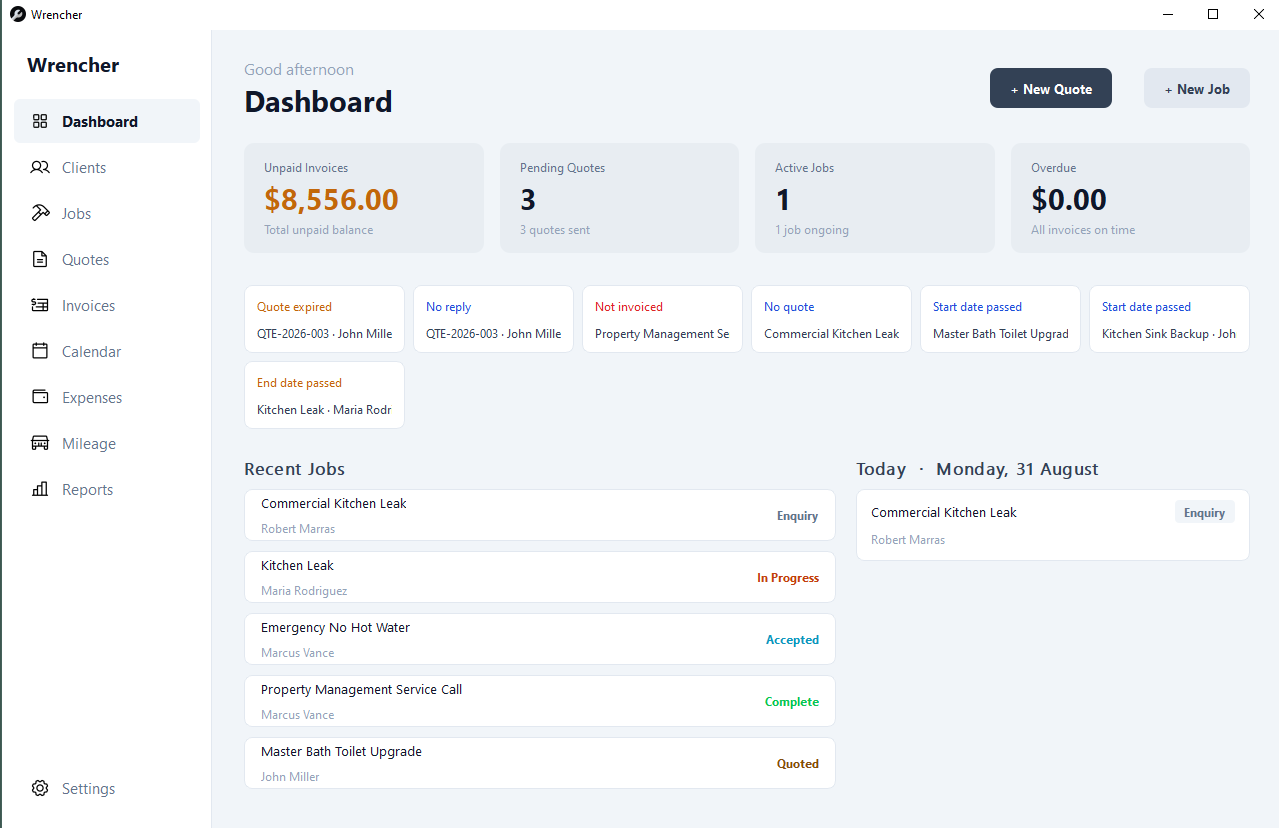
Keep every job in one place — plumbing callouts, electrical work, building projects, or landscaping. Set status, priority, dates, and address. Dashboard alerts tell you when something needs attention before it becomes a problem.
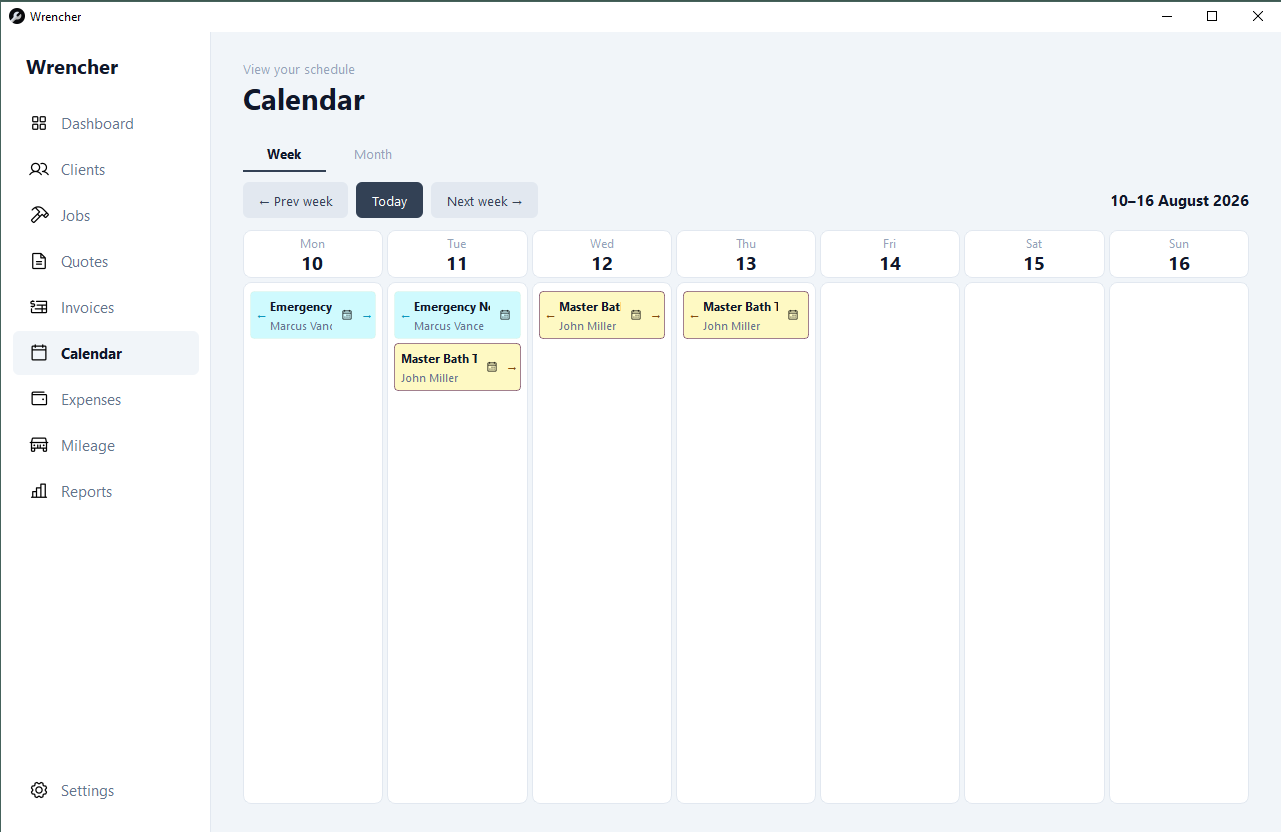
Week and month views show every job at a glance. Jobs without dates sit in an undated strip above the calendar until you're ready to schedule them.
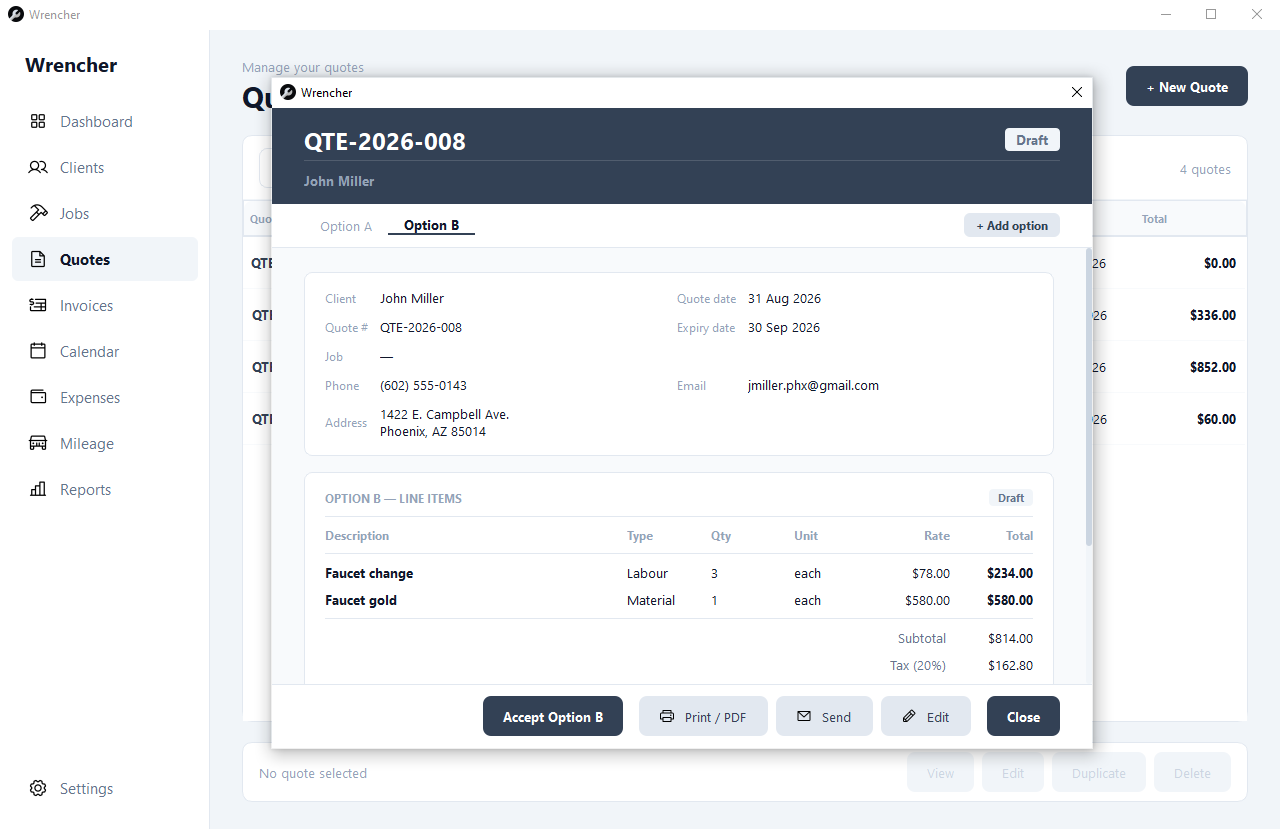
Build quotes from your price book, generate a PDF instantly, and send straight to the client. Single quotes or multi-option A/B/C quotes — the quoting software tradespeople actually use without needing an accountant to explain it.
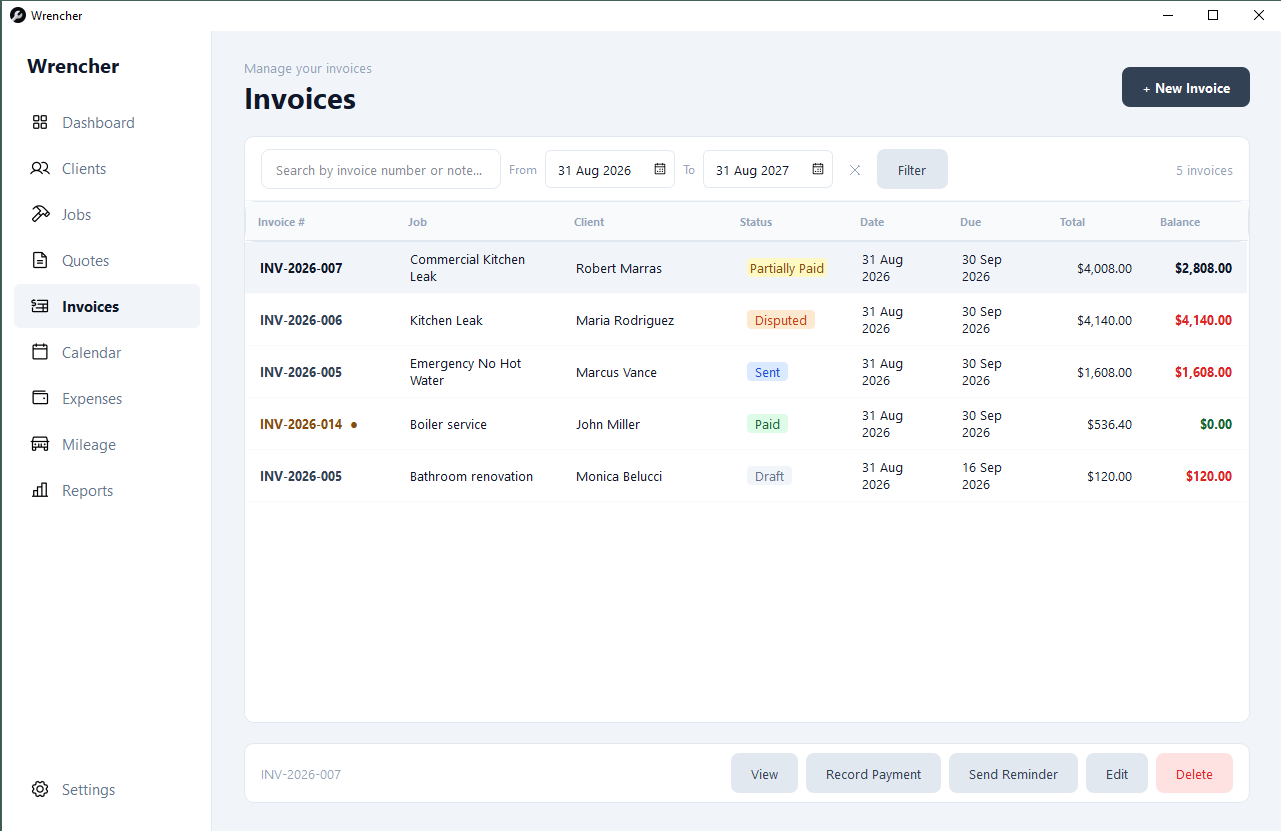
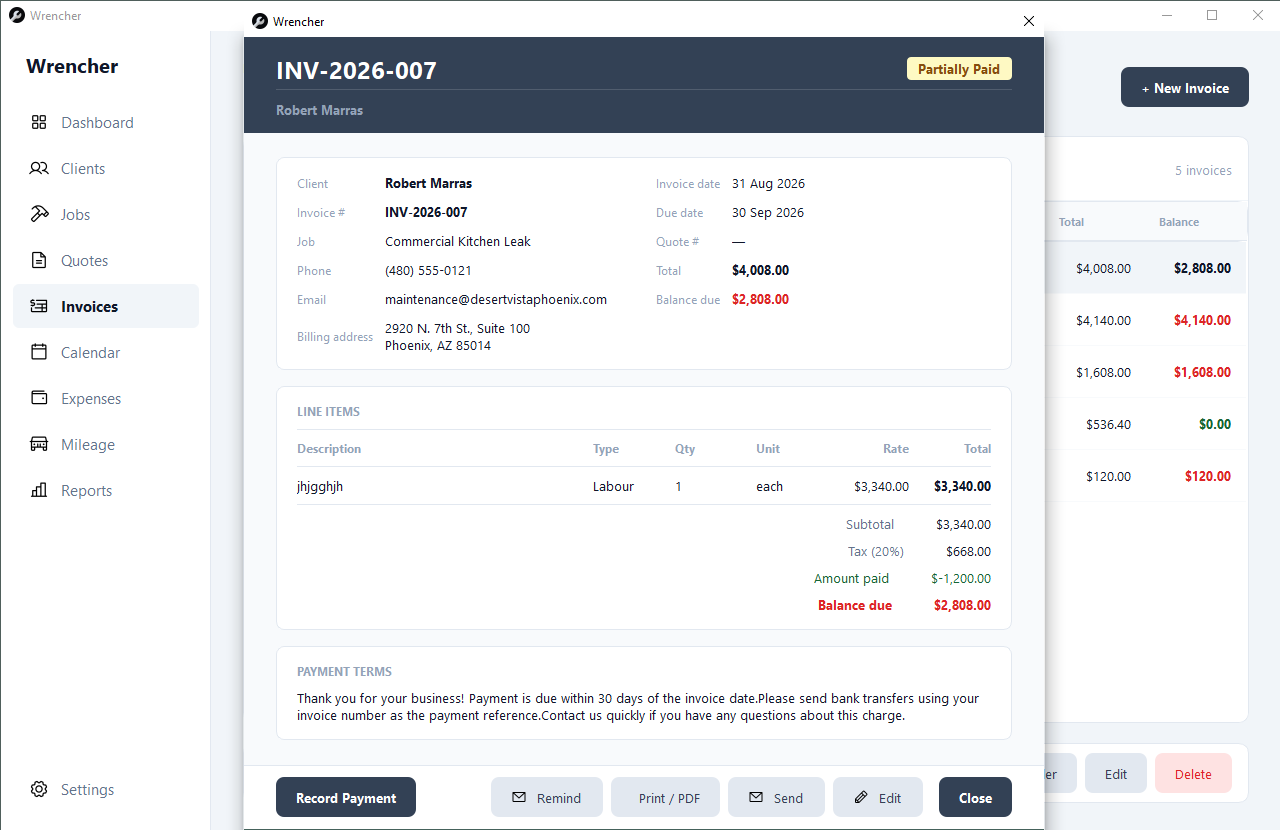
Create invoices from accepted quotes in one click, or build blank invoices for quick jobs. Set up recurring invoices for maintenance clients. Track every payment — outstanding, overdue, and paid — at a glance. No subscription invoicing software, just a one-time license.
When scope changes mid-job, raise a change order. Get it approved. It rolls automatically into the final invoice — nothing falls through the cracks.
Log every trip to site, link it to a job, and export a clean CSV mileage report for your accountant at the end of the tax year. Works in miles or kilometres — nothing missed, nothing forgotten.
Stop guessing which jobs are profitable and which clients are worth chasing. Wrencher gives sole traders and independent contractors the numbers they need to make real business decisions — revenue by month, outstanding invoices, quote conversion, and more.
No credit card. No account. No cloud. Just install and go.
Download Wrencher — free for 30 daysWindows 10 & 11 · ~50MB installer · Your data stays on your computer